
Compare two text payloads
Compare two text blocks or local files in split or unified view.
- Author:
- Mqttable
- Updated:
On this page1 sections
Loading...
Compare two text blocks or local files in split or unified view.
Loading...
Paste text or open two local files, then choose the view that makes the change easiest to inspect.
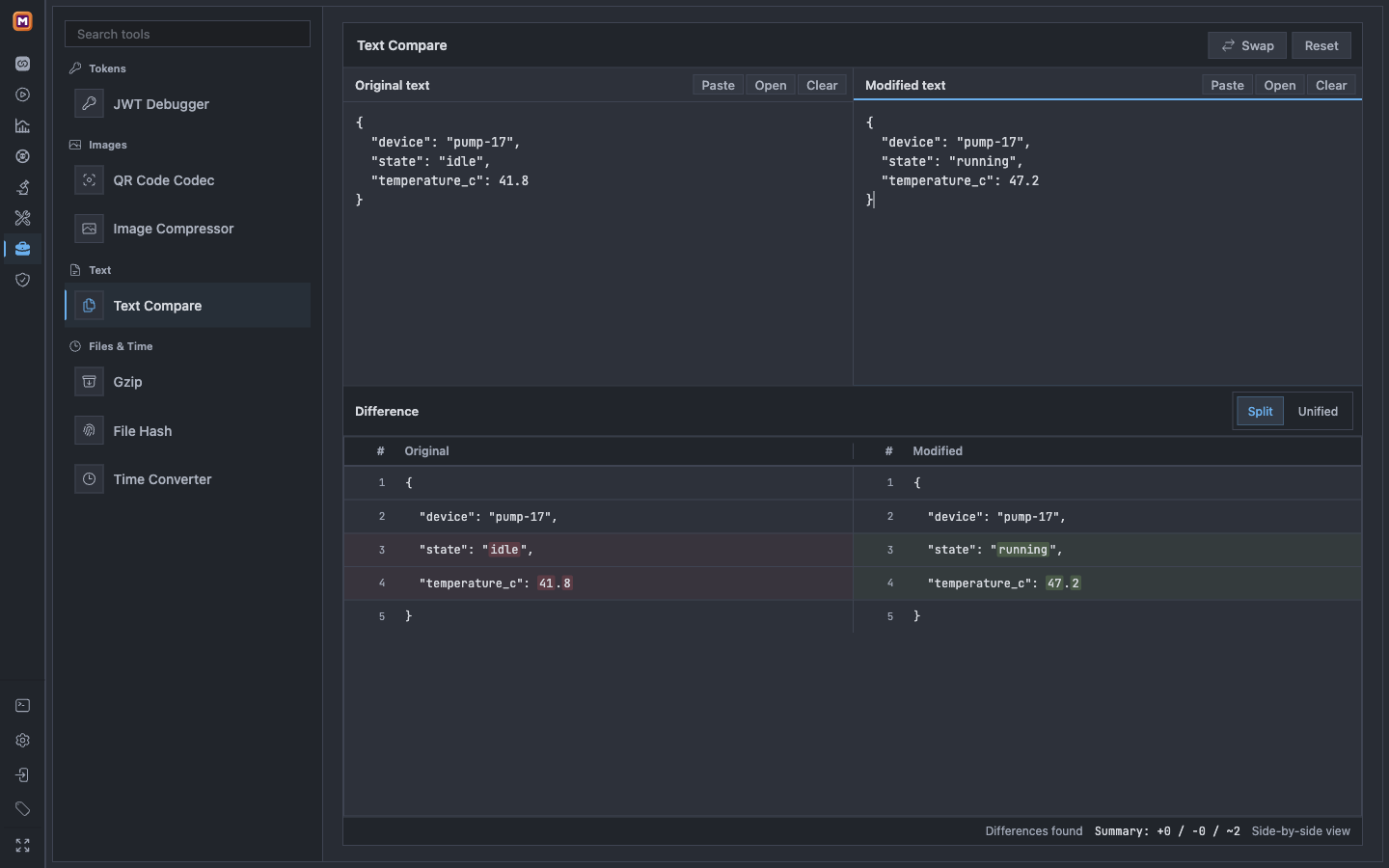
Load the original and modified text, then inspect the highlighted differences.
The current source also adds Open in Text Compare to the Tools menu in Connections, Proxy, Replay, and PCAP message details. This reads the complete retained UTF-8 payload, not the shortened preview. The screenshot above shows manual input; existing installers may not include the new entries yet.
In Connections, use Compare text with previous for the previous retained message with the same Broker, Client, and Topic. Alternatively, choose Set as text baseline on one message, then Compare with text baseline on another. Text and JSON baselines are independent. Other message-detail surfaces provide the single-message entry, not automatic previous-message matching.
Switching tools preserves the current comparison in this window's memory. An incoming source asks before replacing an existing comparison. Keep current comparison keeps both sides; Return to source goes back without applying edited text to the message. Connections also restores the unsent form through its existing read-only return flow. An expired or unavailable return context reports the failure while preserving the comparison.
Each side is limited to 100,000 UTF-16 code units, 10,000 lines, and 400,000 UTF-8 bytes. For message imports, invalid UTF-8, incomplete captures, and missing retained payloads are rejected. Text comparison normalizes line-ending styles and ignores the final line terminator; use Binary when byte-for-byte identity matters.
Source labels include message identity and timestamps in the Settings timezone. Transfers use one-time IDs and expire after ten minutes; suspended comparison drafts also expire after ten minutes. Reloading the window or changing the Runtime identity clears the in-memory workspace. Payloads are not added to URLs or a new persistent history. Reading retained messages uses the current application's Runtime and existing access checks; it does not publish messages or start Replay. Sending-editor entries and result backfill are outside this first version.