
01
See what happened
You should be able to check every conclusion against a message, timestamp, packet, metric, or test result.
About Mqttable
Mqttable puts the MQTT debugging tools you need in one place. Connect to a broker, watch messages, reproduce a problem, test difficult conditions, inspect a packet capture, and confirm the fix.
Connect → Watch messages → Reproduce → Test → Verify
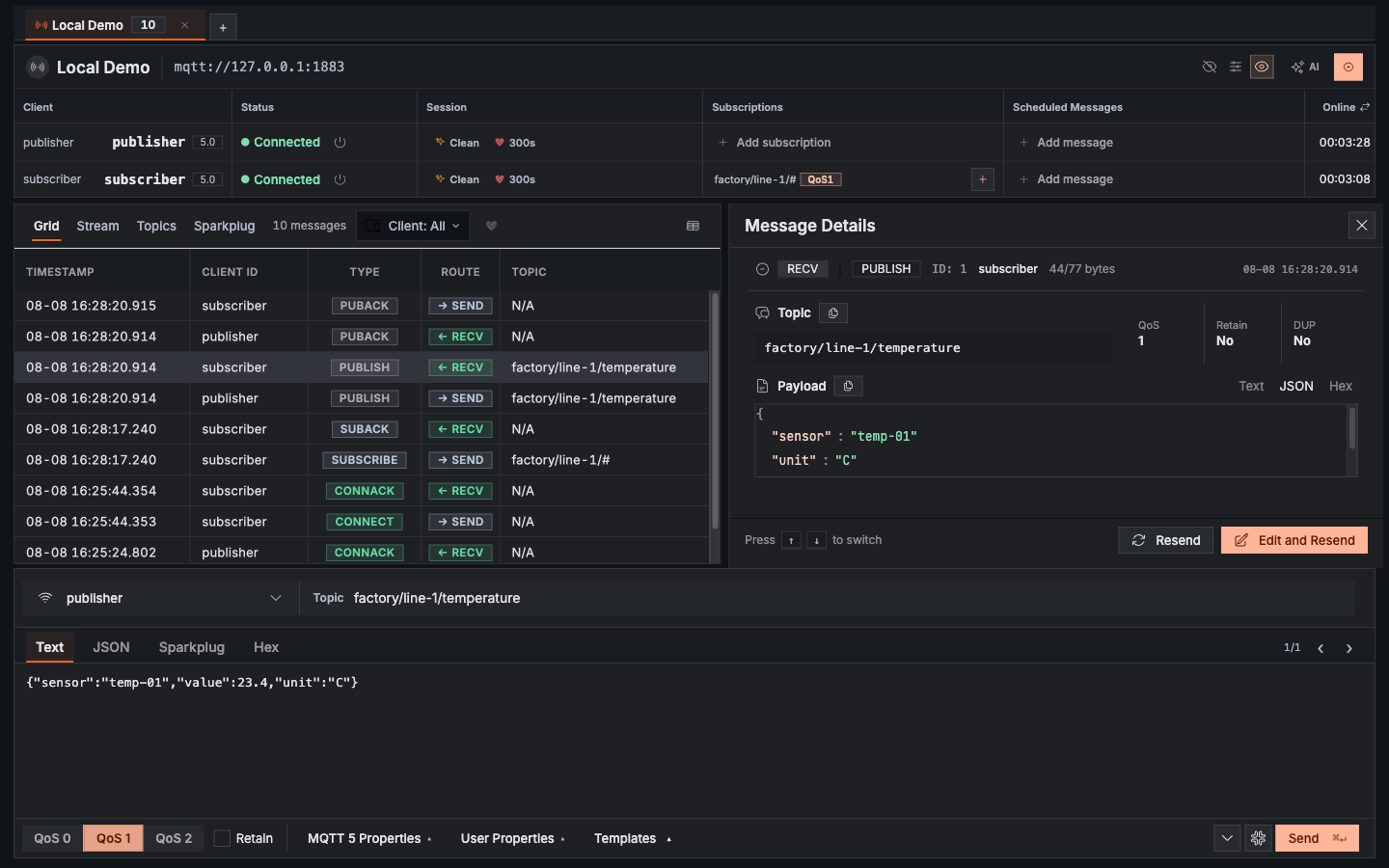
01 / One place for the whole debugging job
A client can look connected while messages go missing. An acknowledgement can arrive late. A failure may appear only under load or on a poor network. To find the cause, you need to see these events together—not chase clues across separate tools.
Mqttable keeps broker connections, live traffic, replay, load tests, network fault tests, packet captures, and runtime metrics in one desktop app. You can see what happened, turn the problem into a repeatable test, and check whether the fix holds.
02 / What you can expect
01
You should be able to check every conclusion against a message, timestamp, packet, metric, or test result.
02
Replay messages and repeat tests so you can tell whether a change fixed the cause, not just the symptom.
03
Compatible AI agents can read filtered evidence and help make supported changes after you enable MCP in Settings. Runtime checks remain in place, and raw secrets stay out of the agent interface.
03 / Who runs Mqttable
Mqttable is built and operated by 邓忠文, an independent developer based in China. The desktop app is proprietary software. If you have a question, find a bug, or need help, email support@mqttable.com.
Connect your broker, watch the traffic, reproduce the failure, and verify the fix without switching between separate tools.